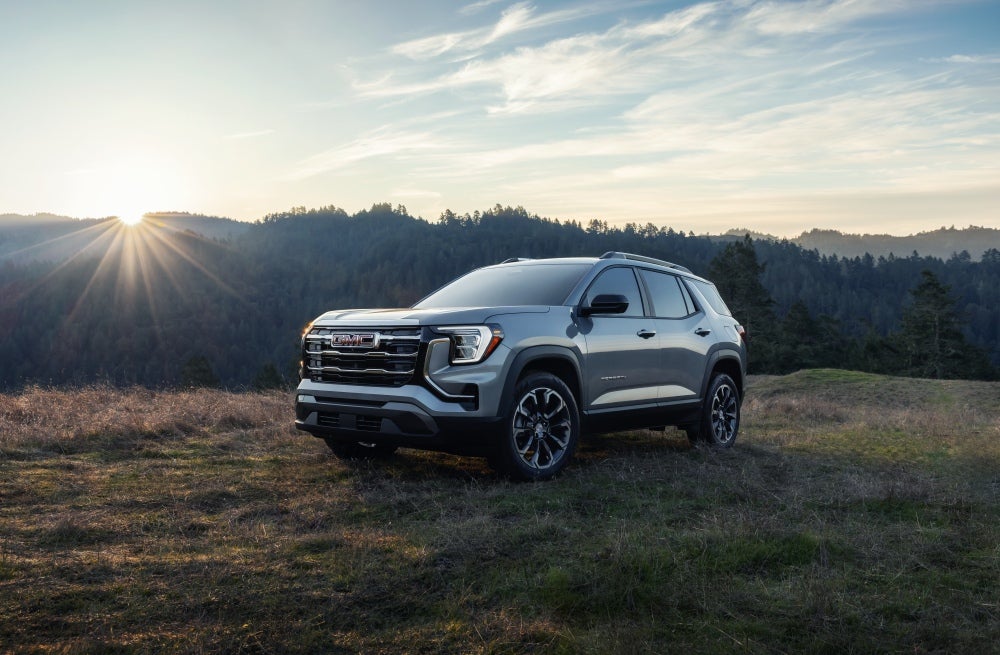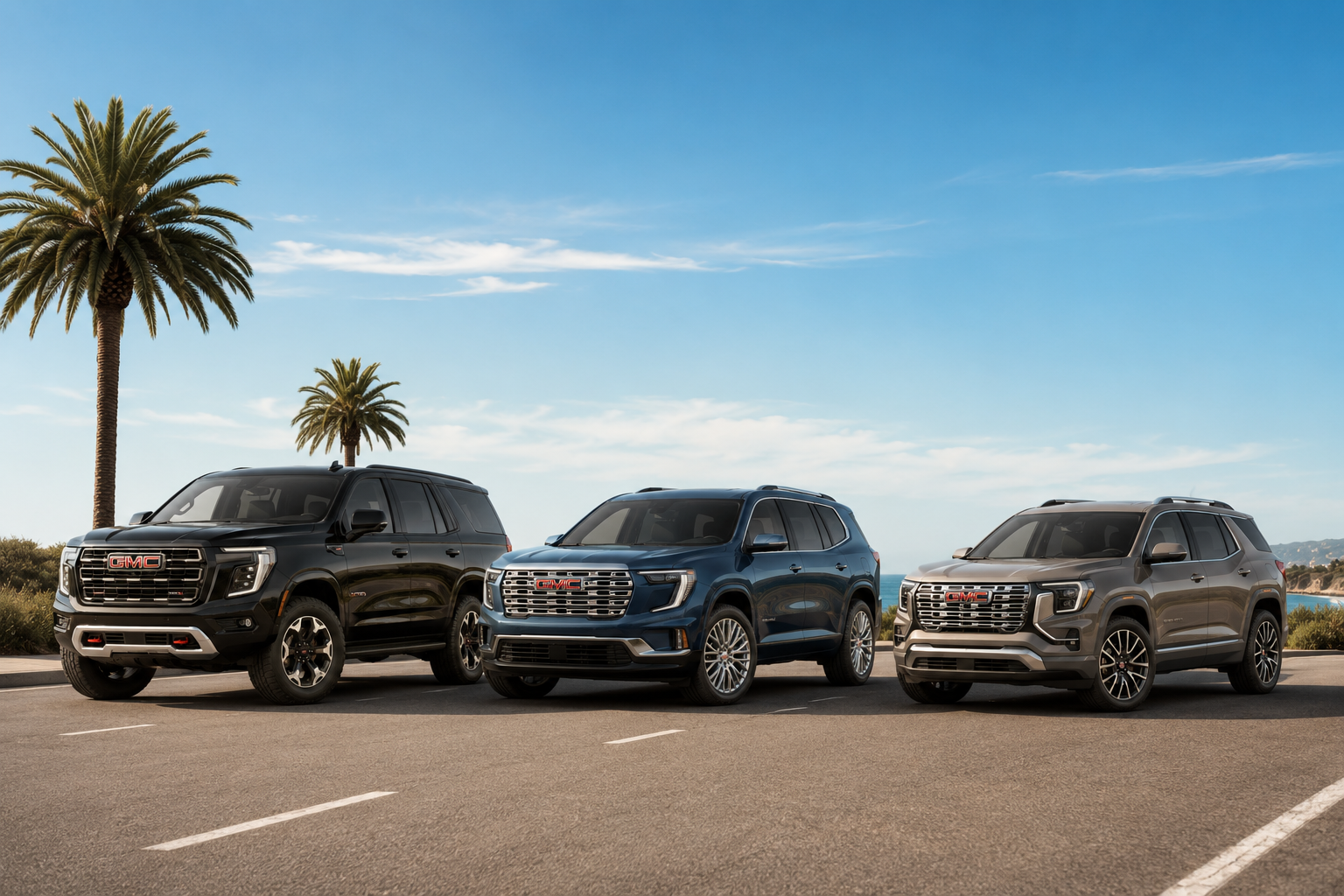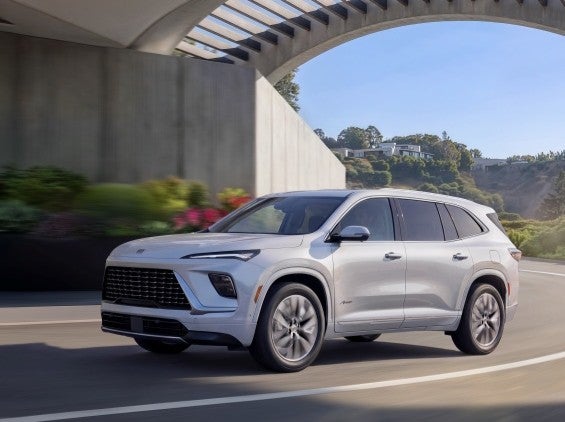


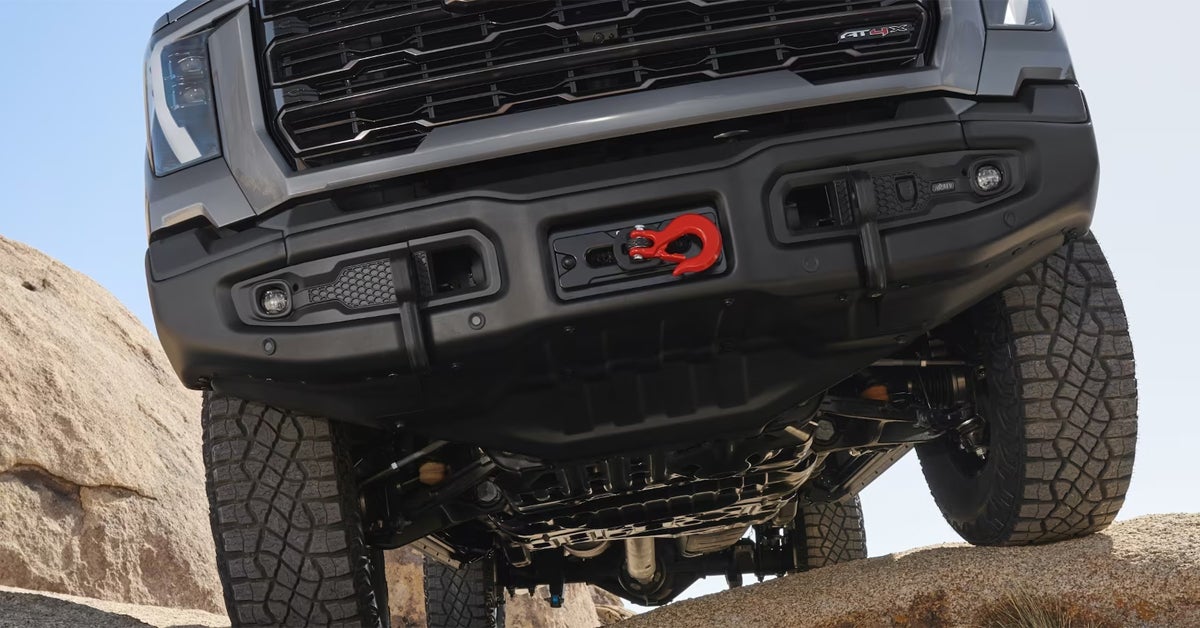
When it comes to driving your GMC, the right drive mode can make all the difference. Whether you’re navigating the bustling streets of Lady Lake, cruising the highways near Leesburg, or tackling off-road trails around Lisbon, understanding how to use your vehicle’s drive modes is key to maximizing its performance and handling. From the powerful Sierra HD to the sleek Acadia and rugged Yukon XL, GMC offers a variety of drive modes that tailor your driving experience to the road ahead. In this guide, we'll break down what each mode does, how to switch between them, and when to choose the best one for your adventure. Ready to learn how to take full control of your drive? Visit or contact Phillips Buick GMC today, and let us help you explore all the exciting ways GMC drive modes can enhance your journey.
Exploring Available Drive Modes in GMC Vehicles
GMC vehicles like the Yukon XL, Sierra HD, and Acadia come with various drive modes designed to enhance your driving experience. These modes adjust your vehicle’s performance to match different road conditions and driving preferences. Whether you're tackling rough terrain, hauling heavy loads, or just cruising down the highway, GMC's drive modes ensure you're always ready for what lies ahead.
Here’s a breakdown of the main modes you’ll find in many GMC models:
- Tour/Normal Mode
Ideal for everyday driving, Tour Mode focuses on comfort and fuel efficiency. This mode is perfect for long trips on smooth roads or city commutes. - Sport Mode
If you're looking for a more dynamic driving experience, Sport Mode tightens steering response and enhances acceleration. This is a great option when you're on dry, twisty roads and want a more engaging ride. - Tow/Haul Mode
When you need to haul heavy loads, Tow/Haul Mode comes to the rescue. This mode provides more torque, helping with towing or carrying larger loads, making it perfect for the Sierra HD or Yukon XL. - AWD Mode
If you're driving on wet, snowy, or icy roads, AWD Mode activates the rear wheels, giving you more control over slippery surfaces. This is especially helpful for vehicles like the Acadia when the weather turns unpredictable. - Off-Road Mode
For those times when you're off the beaten path, Off-Road Mode improves traction and handling on gravel, mud, or sand. It's the perfect setting when exploring rugged terrain or hiking trails in your GMC vehicle. - Terrain Mode
Available on models equipped with Terrain Selection, this mode is ideal for low-speed, off-road driving. It adjusts the vehicle’s traction control and adds automatic braking to improve performance on uneven or challenging surfaces.
Understanding how to use GMC drive modes can make all the difference in your driving experience. Whether you’re navigating the winding roads near Leesburg or towing a boat near Lady Lake, you can easily switch between these modes to match your needs.
When to Use Each Driving Mode: A Scenario-Based Guide
Knowing when to use each drive mode in your GMC vehicle makes all the difference. Let’s break down some common driving scenarios and the best modes for each, ensuring you get the most out of your Yukon XL, Sierra HD, or Acadia.
- Everyday Driving (Tour/Normal Mode)
Scenario: You're driving on smooth highways or through city streets.
When to Use: Select Tour/Normal mode for a smooth ride and better fuel economy. This mode is ideal for daily commutes or long trips on well-maintained roads. - Sporty Drives (Sport Mode)
Scenario: You’re on a winding road and want quicker response from your vehicle.
When to Use: Activate Sport mode to tighten the steering and make the throttle more responsive. This is great for enjoying those fun, twisty drives on dry roads. - Towing or Hauling (Tow/Haul Mode)
Scenario: You’re pulling a trailer or carrying a heavy load in your Sierra HD or Yukon XL.
When to Use: Switch to Tow/Haul mode. It keeps your vehicle in a lower gear, giving you more torque to handle the load smoothly and safely. - Wet or Slippery Roads (AWD Mode)
Scenario: It’s raining, or there’s snow on the road near Whitney or Leesburg.
When to Use: AWD mode helps your vehicle gain traction on wet or icy surfaces. This mode is perfect for improving control when road conditions aren’t ideal. - Off-Road Adventures (Off-Road Mode)
Scenario: You’re off the main road, maybe on gravel or sand.
When to Use: Off-Road mode is built to give you better traction on tough terrain. If you’re exploring paths near Lisbon or Whitney, this mode provides added stability. - Low-Speed Off-Roading (Terrain Mode)
Scenario: You’re driving slowly over rough terrain, like in the woods or on uneven paths.
When to Use: Terrain mode adjusts the vehicle’s traction and shift mapping, making it perfect for mild off-roading. It’s ideal for conditions like mud, ruts, or even pulling a boat out of the water.
Bonus: Customizing Your Drive
Some GMC vehicles let you personalize your driving experience. With the My Mode setting, you can tweak your suspension, steering, and engine sounds based on your driving style.
By selecting the right mode for your situation, you can enhance safety, comfort, and performance. Whether you’re on the highway, towing a trailer, or tackling rough terrain, these modes ensure you're ready for anything.
How to Use GMC Drive Modes in Your Vehicle
GMC drive modes allow you to adjust your vehicle’s performance for different driving conditions. Whether you’re cruising down the highway or navigating tough terrain, knowing how to use these modes makes your driving experience smoother and safer. Here's a simple guide to get you started.
1. Locate the Drive Mode Selector
In most GMC vehicles, the drive mode selector is easy to find. It’s usually located near the gear shift or on the center console. In some models, it may be a button or dial. If you're driving a Sierra HD or Acadia, look for a toggle switch or button with icons representing different modes.
2. Choose Your Desired Mode
Once you find the selector, simply turn or press it to choose your mode. Most GMC vehicles come with a few standard options, like:
- Tour/Normal Mode: Ideal for everyday driving, providing balance between comfort and efficiency.
- Sport Mode: Makes your vehicle more responsive, perfect for dynamic driving.
- Tow/Haul Mode: Great for when you're towing heavy loads, like a trailer or boat.
- Off-Road Mode: Best for rough or uneven terrain, giving your vehicle extra traction.
- Terrain Mode: Designed for low-speed, off-road adventures where traction is key.
3. Understand Mode Adjustments
Each drive mode adjusts key vehicle functions:
- Throttle Response: Determines how sensitive the accelerator is.
- Transmission Shifting: Adjusts how quickly or slowly the transmission shifts gears.
- Suspension System: In off-road and sport modes, the suspension may be stiffer or more flexible, depending on the mode.
4. Switching Between Modes
To change modes, simply press or rotate the selector. In vehicles like the Yukon XL, you can switch modes while the vehicle is moving, but be mindful of your speed and road conditions.
5. Using Terrain Selection
For more rugged environments, like snow, mud, or sand, select the Terrain Mode. This setting tailors your vehicle’s performance to these specific surfaces, providing better traction and stability.
6. Remember to Use the Right Mode for the Job
Drive modes are there to help you. So, always use the mode that fits your current driving needs. For instance, use Tow/Haul mode when towing and switch to Sport mode when you want a bit more excitement on a drive.
By understanding how to use GMC drive modes, you can drive smarter and safer. If you're ready to explore your vehicle's full potential, stop by Phillips Buick GMC for a test drive or ask our experts for more information.
Tips for Optimizing Drive Mode Use
Maximizing the benefits of GMC’s drive modes ensures you get the most out of your vehicle in every situation. By using the right mode at the right time, you can improve both performance and comfort. Here are some easy tips to help you get the most from your drive modes.
1. Know When to Switch Modes
Different driving conditions call for different modes. Switching when needed can improve your vehicle’s handling and efficiency.
- Highway Driving: Use Tour/Normal Mode for smooth, fuel-efficient driving.
- Towing or Hauling: Switch to Tow/Haul Mode to improve power delivery and reduce strain on the engine.
- Off-Road Adventures: Off-Road Mode and Terrain Mode are ideal when you're tackling rough terrain or uneven roads.
2. Use Sport Mode for an Extra Boost
If you're craving more responsive handling or a quicker acceleration, switch to Sport Mode. This mode sharpens throttle response and adjusts transmission shifts for a more dynamic driving experience. It's perfect for city driving or when you're looking to enjoy a spirited drive.
3. Switch to Terrain Mode for Better Traction
When driving on slippery surfaces like snow, sand, or mud, Terrain Mode gives you the traction you need. It adjusts your vehicle’s settings for low-speed stability, ensuring you don’t get stuck in tough spots.
4. Monitor Your Driving Conditions
Keep an eye on the weather and road conditions. In situations like wet roads or snowy conditions, switching to the right mode can help you maintain control. It’s especially helpful in vehicles like the Yukon XL or Sierra HD, where the added power may need adjustment for smoother handling.
5. Don’t Forget About Fuel Efficiency
While more aggressive modes like Sport Mode can be fun, they can also consume more fuel. If you're on a long road trip or just cruising, Tour Mode will keep you in a more fuel-efficient setting.
6. Understand Your Vehicle’s Limits
Each vehicle may have different capabilities. For example, Acadia and Sierra HD models come with unique settings. Always be aware of what your vehicle can handle in each mode, especially when towing or driving off-road.
By switching between modes based on your driving needs, you can make your ride more comfortable and safer. Experiment with your vehicle’s modes to find what works best for you. For more tips on how to use GMC drive modes effectively, visit Phillips Buick GMC, and let us help you get the most out of your vehicle!
What to Expect When Driving in Each Mode
Each drive mode in your GMC vehicle is designed to optimize your driving experience based on different road conditions. Here's what you can expect when driving in each mode, and how it can benefit your journey.
1. Tour/Normal Mode
When to Use: Everyday driving, highway trips, or light city commutes.
What to Expect:
- Smooth handling and comfort.
- Fuel-efficient performance, ideal for long drives.
- A more relaxed ride with balanced power distribution.
- Responsive steering, but not overly aggressive.
Best For: Easy, stress-free driving, especially during long commutes or on highways.
2. Sport Mode
When to Use: When you want a more dynamic driving experience, like spirited city driving or a fun weekend cruise.
What to Expect:
- Sharper throttle response.
- More immediate acceleration.
- Slightly stiffer suspension for better cornering.
- Increased engine revs, giving you more power on demand.
Best For: Drivers who crave responsiveness and faster acceleration, making it perfect for quick maneuvers.
3. Tow/Haul Mode
When to Use: When towing or hauling heavy loads, such as a trailer, boat, or large equipment.
What to Expect:
- Enhanced engine braking for smoother deceleration.
- Adjusted gear shifting to provide more power for heavy loads.
- Increased stability on steep inclines or declines.
- Reduced strain on the engine and transmission when hauling.
Best For: Towing large loads, especially when navigating hills or needing extra torque.
4. Off-Road Mode
When to Use: When driving on rough, uneven, or unpaved roads, like trails or gravel paths.
What to Expect:
- Adjusted throttle and traction control for better grip on loose surfaces.
- More controlled power delivery to help you navigate tough terrain.
- Improved stability on rocky, muddy, or sandy surfaces.
- Less risk of getting stuck in deep mud or sand.
Best For: Adventurous drives, off-road trips, or when you need extra traction.
5. Terrain Mode
When to Use: For low-speed off-road driving on rough terrain, like snow, sand, or deep mud.
What to Expect:
- Maximum traction to handle tough surfaces.
- Adjusts your vehicle’s systems to improve low-speed stability.
- Easier control when navigating difficult terrain without risking slipping or bogging down.
Best For: More extreme off-roading, like sand dunes, snow-covered paths, or rough dirt trails.
6. Snow Mode
When to Use: On icy or snowy roads during winter months.
What to Expect:
- More gradual throttle response to prevent wheel spin.
- Adjusted traction control to maximize grip in slippery conditions.
- Smoother, more controlled driving to reduce sliding.
Best For: Winter conditions, including icy roads, snow-covered streets, or wet conditions.
By understanding each mode’s features, you can select the right one based on your driving needs. Whether you're cruising in a Yukon XL, tackling tough roads in a Sierra HD, or navigating everyday streets in an Acadia, the right drive mode helps improve both comfort and control.
For more detailed advice on using these modes in your GMC, come visit us at Phillips Buick GMC. We're happy to show you how to optimize your drive!
Which drive modes are standard on most GMC models?
- Most GMC models, including the Yukon XL, Sierra HD, and Acadia, typically come with Tour/Normal, Sport, and Tow/Haul modes as standard. Some models may also offer additional options like Off-Road, Terrain, or Snow modes, depending on the vehicle's specific configuration.
Do I have to manually switch between modes or does the truck auto-adjust?
- You generally need to manually switch between modes on most GMC vehicles. However, in some models, the vehicle may auto-adjust certain systems (like traction control) in response to road conditions, but for full mode changes, driver input is typically required.
Are there any limitations for using specific drive modes in certain conditions?
- Yes, each drive mode is designed for specific conditions. For example, Sport Mode is not recommended for slippery roads, while Off-Road Mode should only be used on rough terrain. Tow/Haul Mode should be used when towing or hauling heavy loads. It’s important to choose the appropriate mode for your environment to avoid strain on the vehicle and ensure safety.
Find Your Next GMC at Phillips Buick GMC
Now that you’ve learned more about how GMC drive modes work, you may be wondering how these features fit into your ideal vehicle. Whether you're considering the Yukon XL, Sierra HD, or Acadia, we have a wide selection of vehicles ready for you to explore. Our team at Phillips Buick GMC is here to help guide you through the choices and answer any questions you may have.
We invite residents from Lady Lake, Whitney, Leesburg, and Lisbon to stop by and discover all that we offer. Our knowledgeable staff is eager to help you find the right GMC vehicle that fits your needs and lifestyle. From advanced drive modes to towing capabilities, we’re here to help you make an informed decision.
Want to know more about how GMC trucks perform with diesel engines? Or perhaps you're interested in understanding auto body and collision repair in Fruitland Park? If you're wondering whether any mechanic can work on a diesel truck, we've got the answers for you. You can find additional insights on our website, so don’t hesitate to reach out and explore our inventory here: Phillips Buick GMC New Vehicle Inventory.
Visit us today and see how we can make your next driving experience better!
Get Directions to Phillips Buick GMC
Disclaimer: All information is provided for general informational and entertainment purposes only. While we strive for accuracy, we cannot guarantee that all content is complete, current, or error-free. Any reliance you place on such information is strictly at your own risk. This article may include opinions and is not endorsed by, or officially affiliated with, any vehicle manufacturer or brand. Always consult official sources – such as the vehicle’s owner’s manual, authorized dealerships, or certified professionals – for the most up-to-date and personalized information.